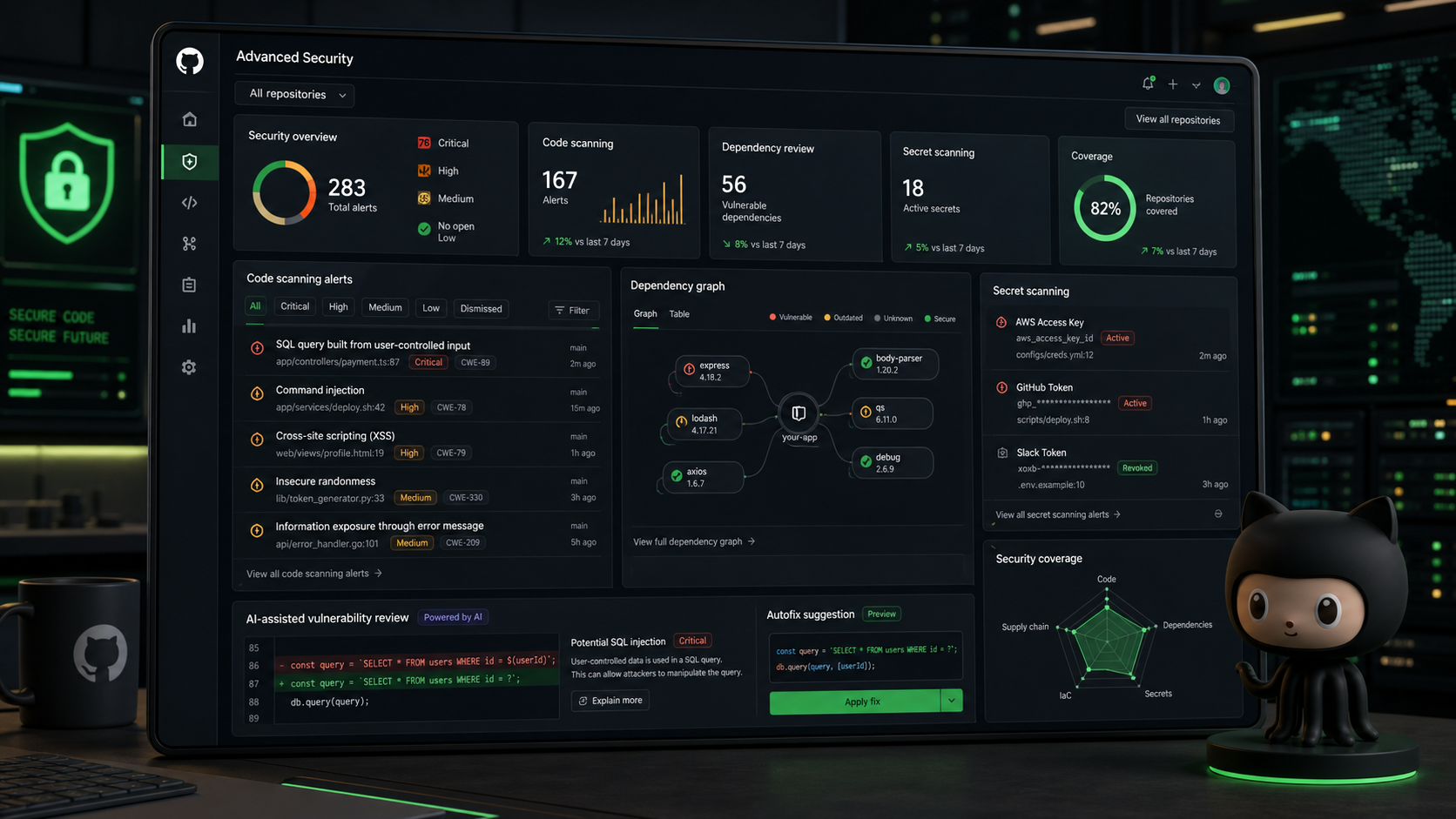
A new GitHub Copilot integration lets a Microsoft Teams discussion become a collaborative agent session that participants can see and guide in real time. The update is described in a GitHub Blog changelog post published on August 21, 2026.
HOW TO START A COPILOT SESSION IN TEAMS
To initiate a Copilot session, mention @GitHub in a channel, thread, or direct message within Teams. This starts a GitHub Copilot session that collaborators can contribute to during the discussion. TechStaged has also covered Windows 11 ARM64 image with Visual Studio 2026 GA on GitHub-hosted runners.
WHAT THIS MEANS FOR TEAMS
The feature ties GitHub Copilot to ongoing Teams conversations, creating a shared space where the agent can help direct the discussion and contribute to the collaborative workflow within Teams.
RELATED COVERAGE
- Windows 11 ARM64 image with Visual Studio 2026 GA on GitHub-hosted runners
- CodeQL 2.26.3 expands JavaScript, TypeScript, and Vue modeling and tightens GitHub Actions queries
- GitHub makes pinning saved views to the repository issues sidebar generally available
- GitHub Code Quality enablement changes now logged in audit history
- Software articles
SOURCES
- Archive: 2026 - GitHub Changelog: Shared agentic work with GitHub Copilot in Microsoft Teams Published · Primary source