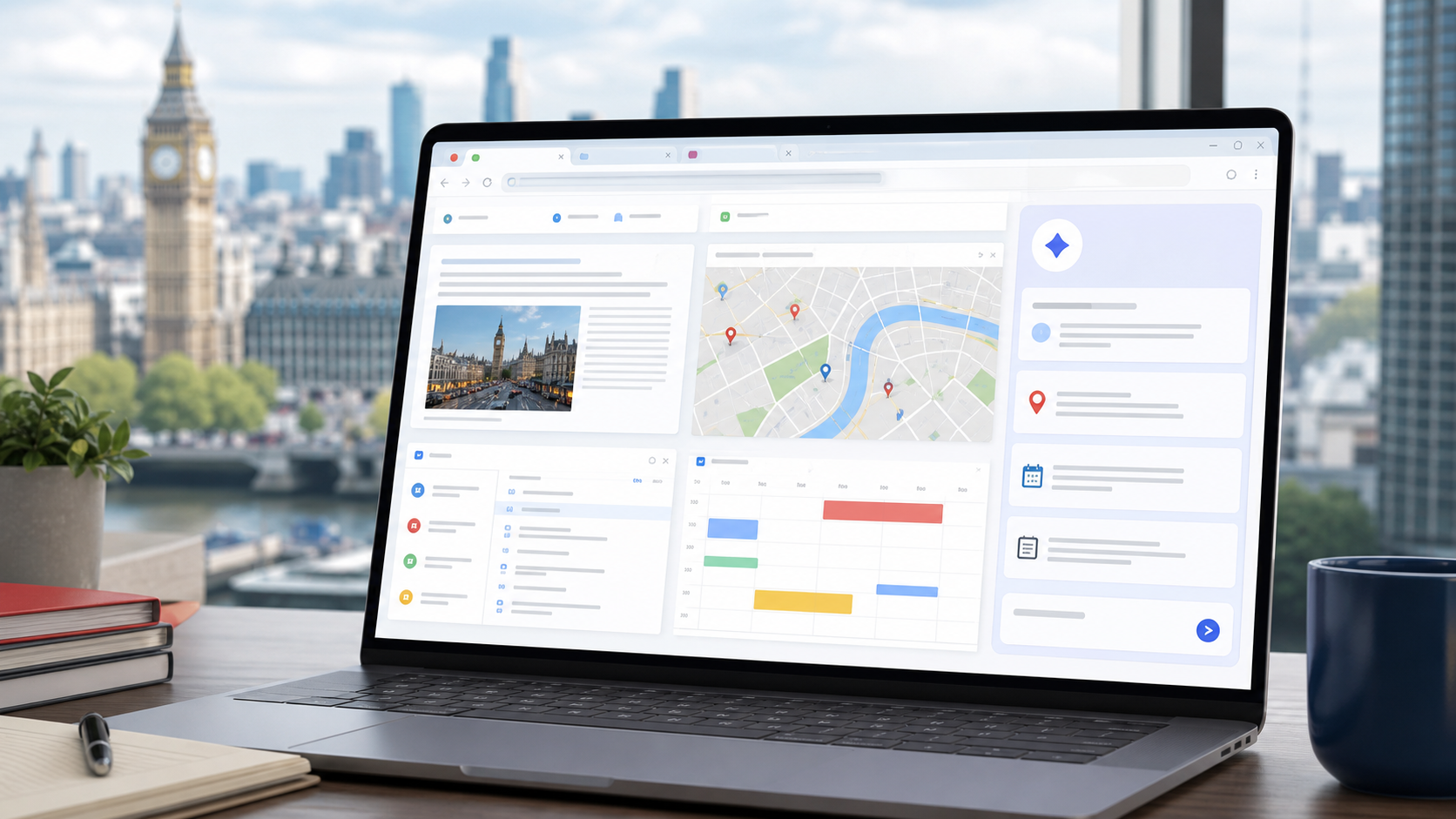
Google is expanding Gemini in Chrome to many desktop users in the United Kingdom. The July 14 announcement describes a browser assistant that can summarize long pages, compare information across tabs, and work with common Google services without forcing users to leave the page.
The UK rollout follows earlier Chrome AI expansions and gives Google another surface where AI can sit directly inside daily web work. Google also said the experience is expanding to iOS the next month.
WHAT USERS CAN DO
The most practical use cases are reading and coordination. A user can ask for a page summary, compare multiple tabs, schedule a meeting with Calendar, check a place in Maps, draft in Gmail, or ask questions about a YouTube video.
That makes Gemini in Chrome less like a separate chatbot and more like a context layer over browser work. For small teams, the benefit is fewer copy-paste loops between tabs, email, maps, and notes.
PRIVACY AND SECURITY QUESTIONS
Browser assistants need extra scrutiny because the browser sees sensitive work: accounts, documents, orders, calendars, internal tools, and customer portals. Google says the features are built with safeguards against threats such as prompt injection and confirmation before sensitive actions.
Users should still check which accounts are connected, what data the assistant can see, and whether company policy allows AI assistance on work pages. Browser-level AI can be helpful, but it also changes the default privacy posture of ordinary browsing.
BUSINESS IMPACT
The rollout matters because Chrome is already where many employees spend the day. If AI assistance becomes native to the browser, adoption may happen faster than with a separate app rollout.
IT teams should update browser guidance before employees rely on AI summaries for customer, legal, financial, or regulated workflows. Summaries can speed work, but users still need to verify source pages before acting.
BOTTOM LINE
Gemini in Chrome gives Google a stronger position in everyday productivity. The useful version is not a flashy assistant; it is a controlled browser helper that can reduce tab friction while making privacy and confirmation rules easy to understand.