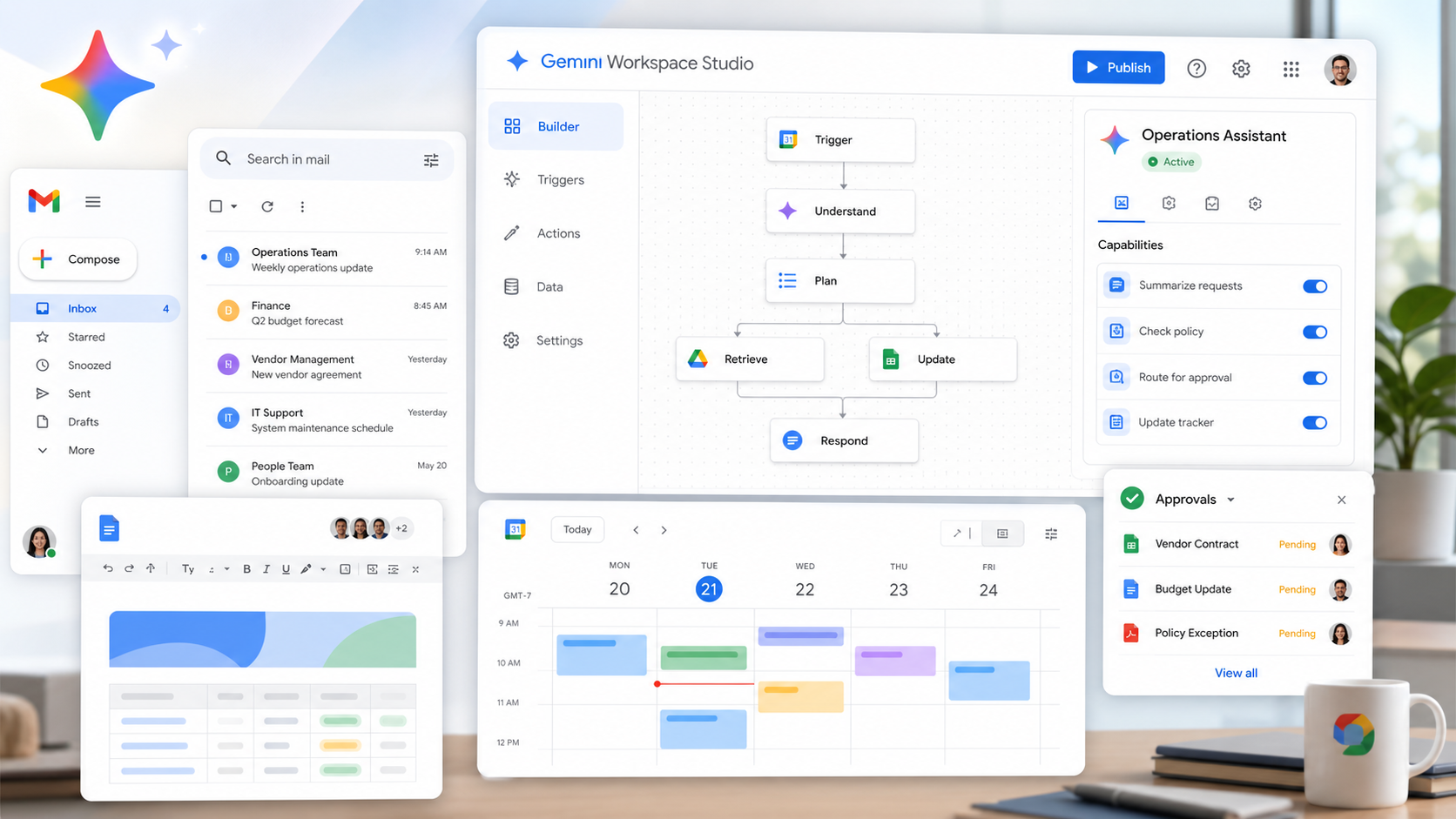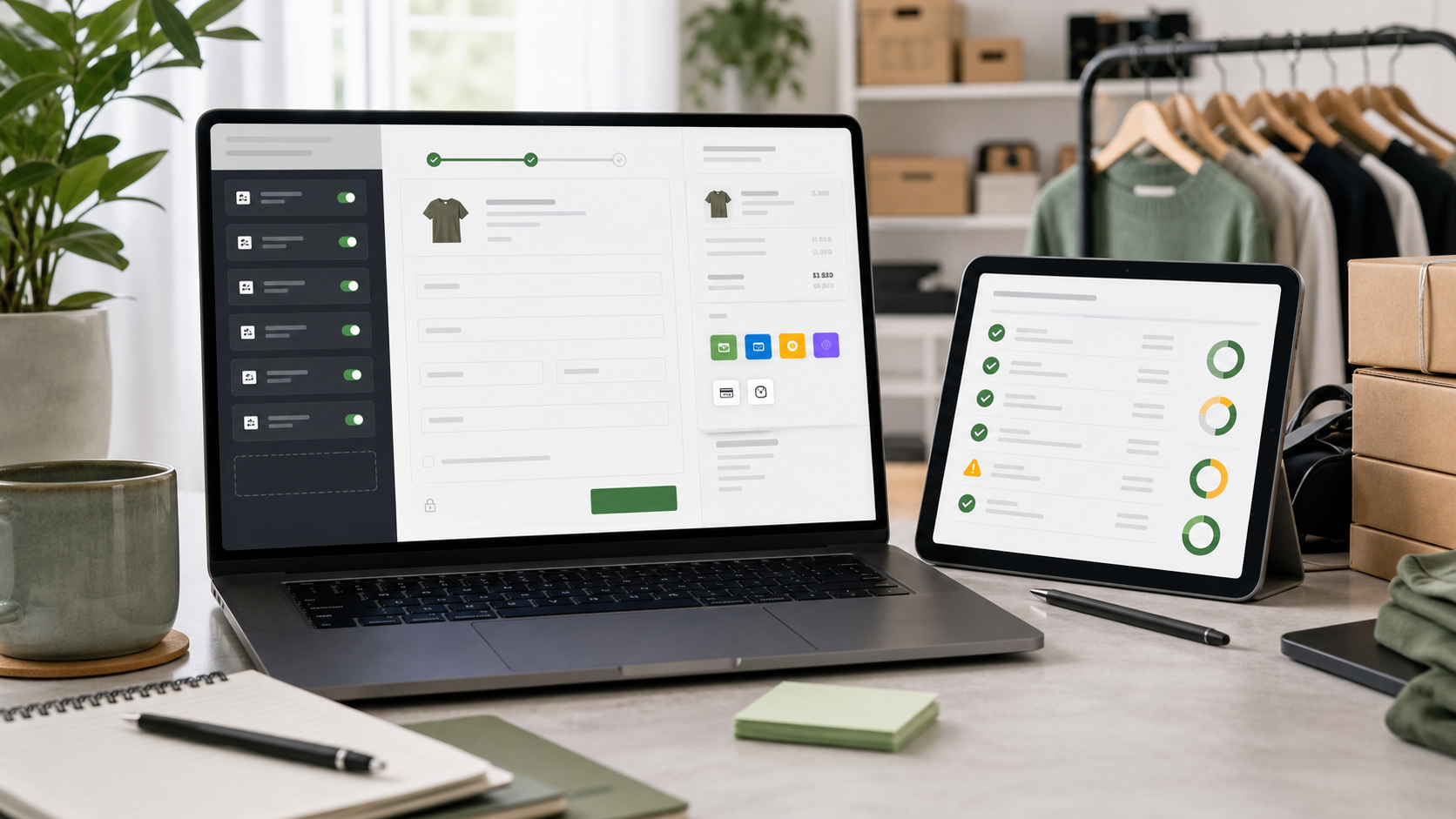
Shopify checkout is where merchandising, payments, fraud checks, shipping rules, analytics, and compliance meet. Shopify developer documentation positions checkout extensions, Functions, and web pixels as the supported way to extend the experience.
That means a checkout audit is not just a developer task. Store owners should understand which customizations are business-critical, which apps depend on checkout surfaces, and which changes could affect conversion or tracking.
WHY IT MATTERS
Checkout changes carry a larger blast radius than most storefront edits. A broken field, discount rule, pixel, or payment method can show up as lower conversion, higher support volume, or inaccurate attribution.
A good audit separates cosmetic changes from transaction logic. It also gives the team a rollback path before testing new upsells, validations, pickup rules, or payment behavior.
SELECTION CHECKLIST
Treat checkout as a controlled system and inventory each dependency before upgrading or adding apps.
- List all checkout apps, UI extensions, Functions, pixels, and post-purchase flows.
- Map discount, shipping, tax, payment, fraud, and address-validation rules.
- Confirm which customizations are supported on the store plan and checkout surface.
- Test checkout on mobile, international markets, and accelerated payment methods.
- Review analytics and consent behavior after each checkout change.
RISKS AND TRADEOFFS
The biggest risk is assuming a customization is still supported because it worked in the past. Legacy scripts and theme-era shortcuts can hide fragile dependencies.
The tradeoff is speed. Extensions require more planning than quick snippets, but they are easier to maintain across platform releases and app updates.
BOTTOM LINE
Checkout is too important for undocumented customization. Audit the flow, move durable logic into supported extension points, and test every revenue-critical path before launch.