
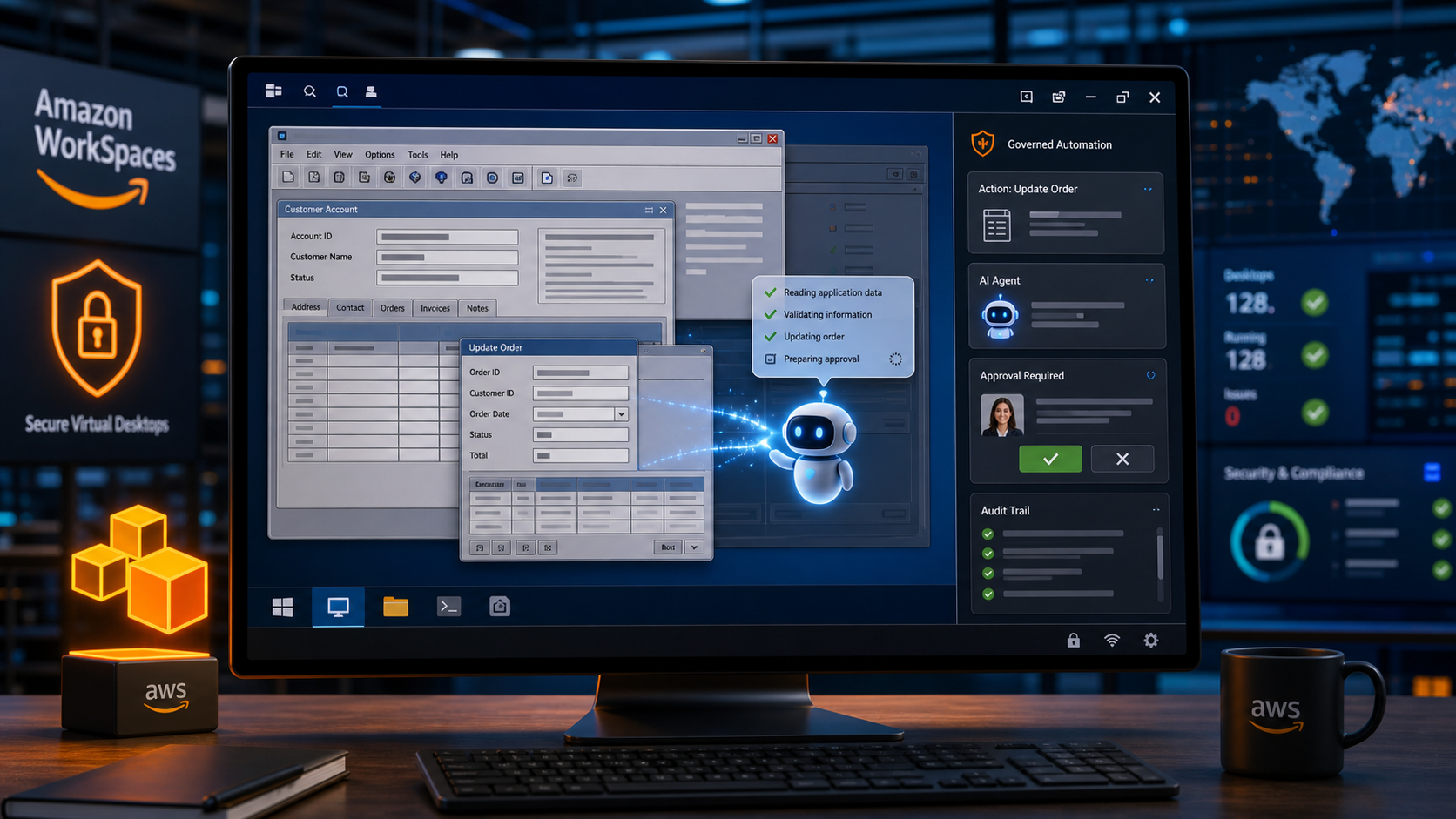
AWS announced a preview where Amazon WorkSpaces can provide AI agents with secure desktops for operating desktop and legacy applications.
TechStaged reviewed the source material and built this article as original analysis for operators deciding whether the update belongs in their 2026 roadmap.
WHY IT MATTERS
The update matters for companies with important workflows trapped in vendor portals, internal tools, and older systems that lack clean integration points.
For buyers, the evaluation should move beyond feature availability. The more important question is whether the update improves a real workflow without creating hidden administration, review, security, or support costs.
TEAM CHECKLIST
Before scaling the update, turn the announcement into an implementation checklist with clear owners.
- Choose one workflow where the feature can be tested with realistic data and user permissions.
- Define the success metric before rollout, such as conversion lift, cycle time, ticket resolution, code review speed, billing accuracy, or creative output volume.
- Review admin controls, audit logs, integration limits, pricing model, support paths, and failure handling.
- Document who can approve automated actions and who can pause the workflow if quality drops.
- Compare the new capability with existing tools so the team does not add another platform without retiring manual work.
RISKS AND TRADEOFFS
The tradeoff is reliability. UI automation needs strong observation, exception handling, credentials management, and approvals because screen flows can change without notice.
The best adoption pattern is usually a narrow pilot with clear review points. Broad enablement can come later when the team knows how the feature behaves under real workload pressure.
BOTTOM LINE
Pilot WorkSpaces AI agents on low-risk back-office workflows first, then expand only when audit trails and failure recovery are mature.


